Talk to your coach
A natural, real-time voice conversation. Ask anything about technique, theory or what to practice next, hands-free while you play.
Opttonia is the AI piano coach that listens to your playing, watches your hands and talks with you in real time. Learn faster, with a patient teacher in your pocket.


Three senses working together: Opttonia hears you, sees you and speaks to you.
A natural, real-time voice conversation. Ask anything about technique, theory or what to practice next, hands-free while you play.
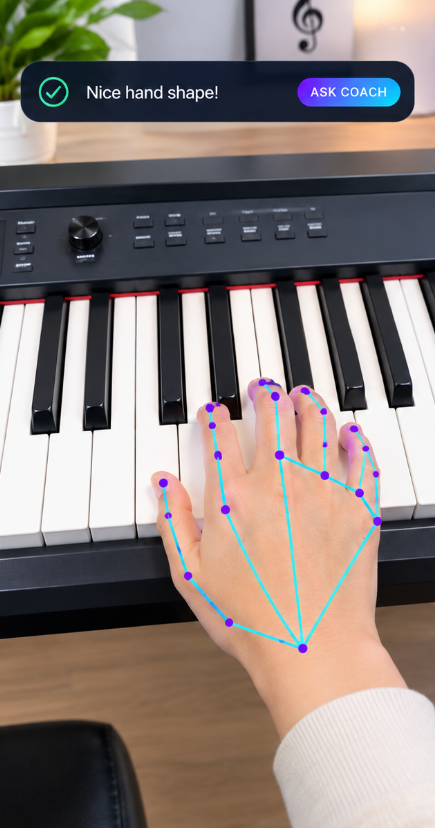
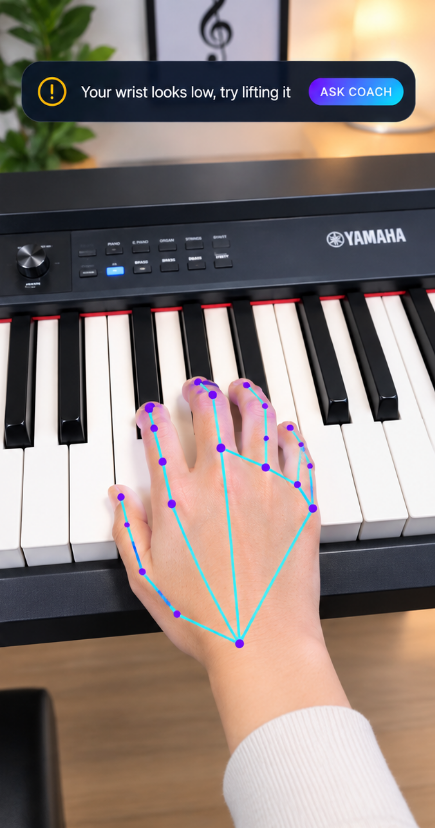
Your camera watches your hand shape and wrist in real time and tells you when to relax or curve your fingers.
Play a real acoustic or digital piano. Opttonia hears the notes and checks them against the lesson.
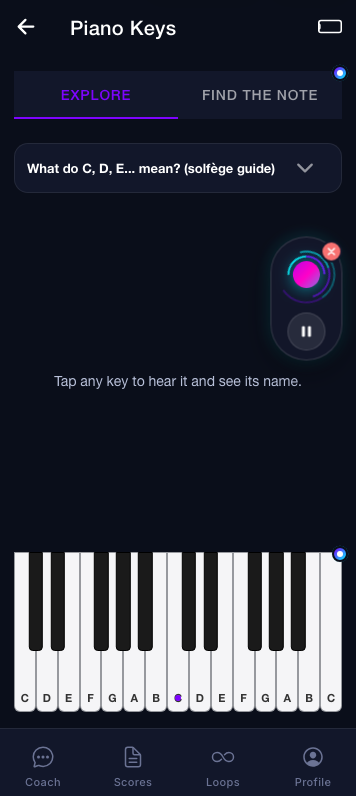
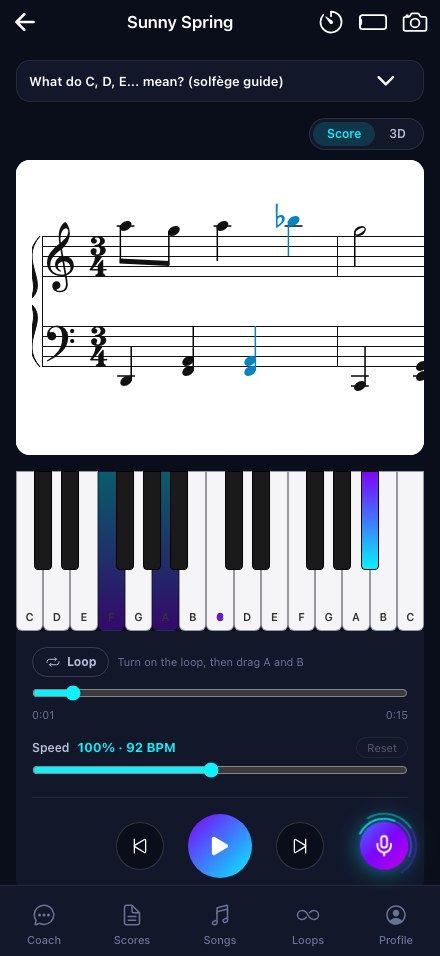
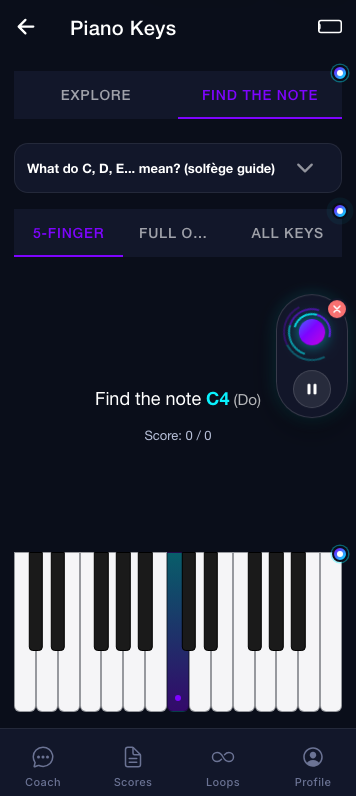
From Middle C to two hands together, step by step, with a solfège guide (Do, Ré, Mi) built in.
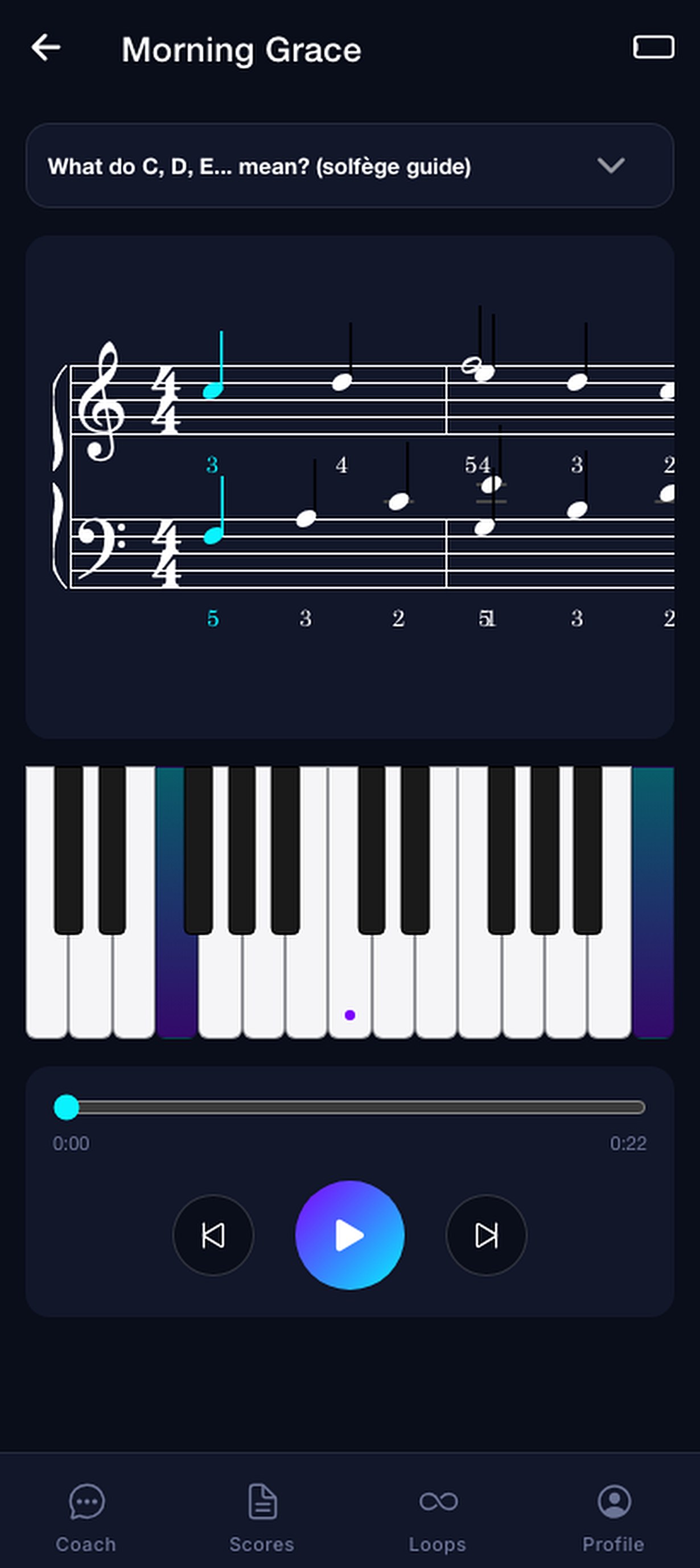
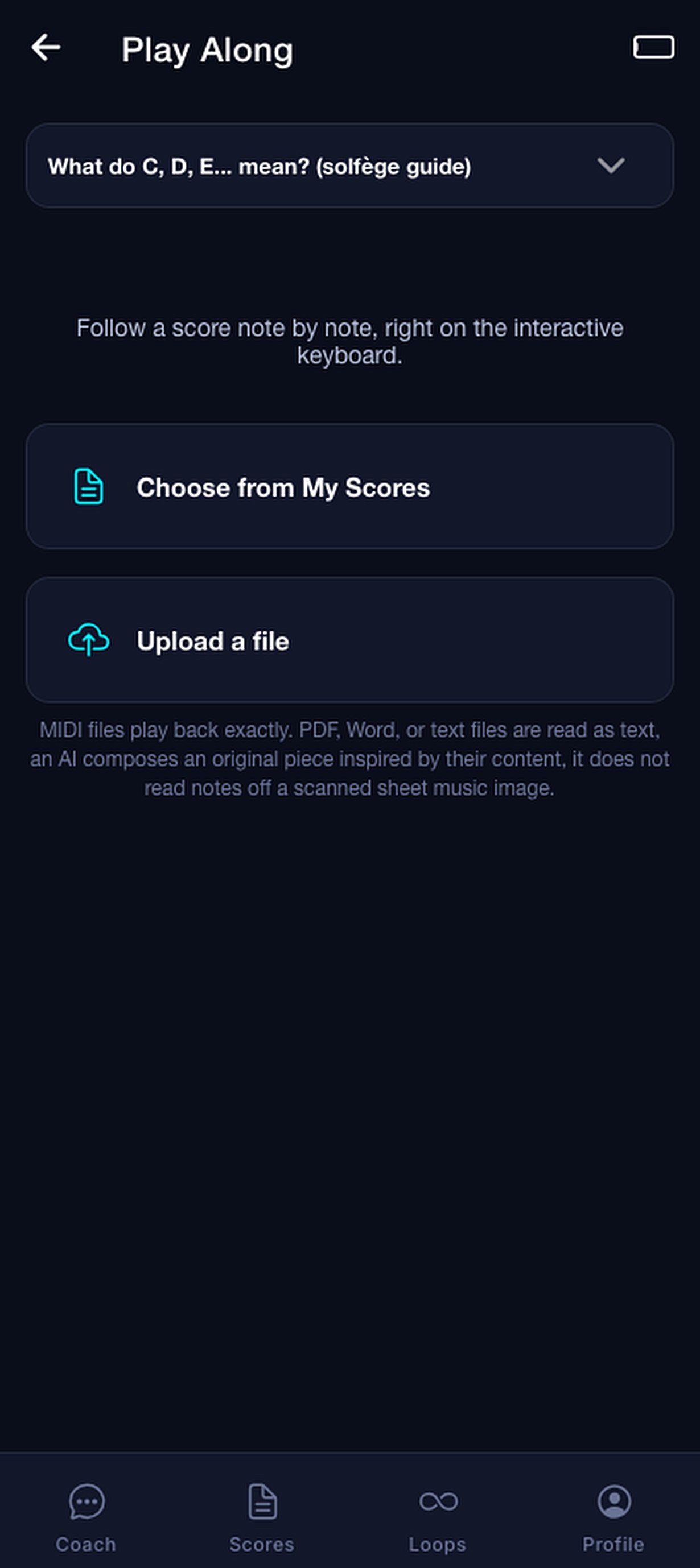
Import MIDI, PDF, Word or text files, watch the notes light up and follow along on the keyboard.
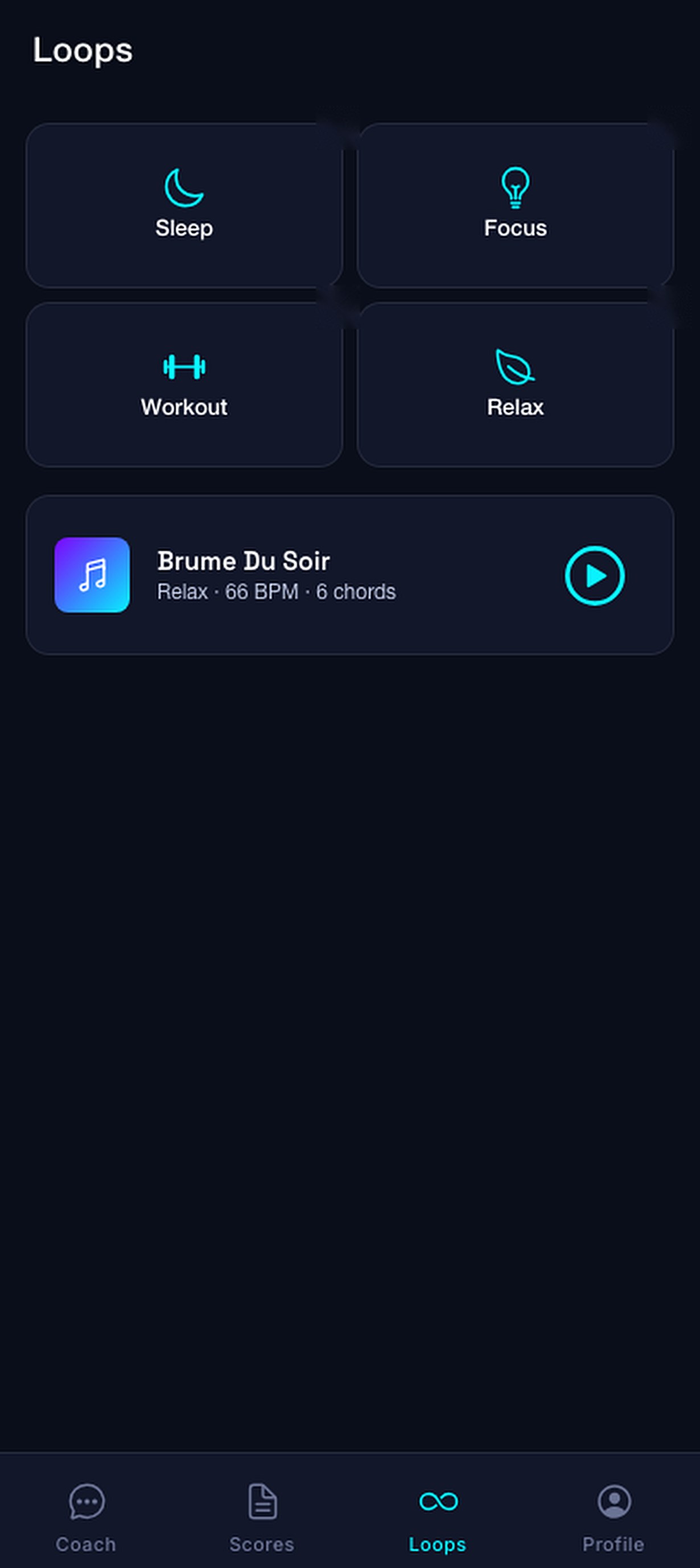
Generate calming music for Sleep, Focus, Workout or Relax in one tap, then play over it.
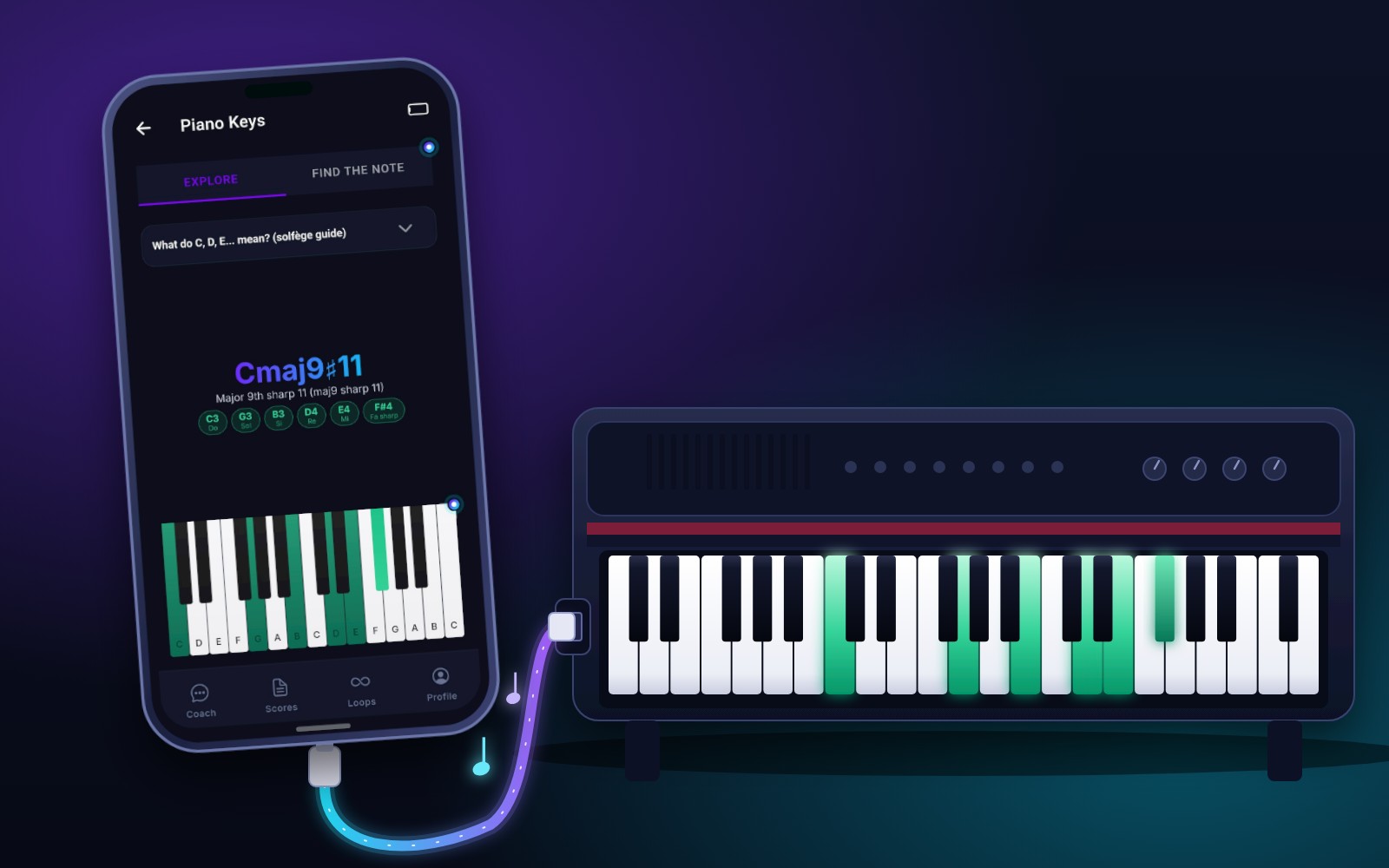
Connect your digital piano and Opttonia reads your notes directly, with no microphone and no background noise.
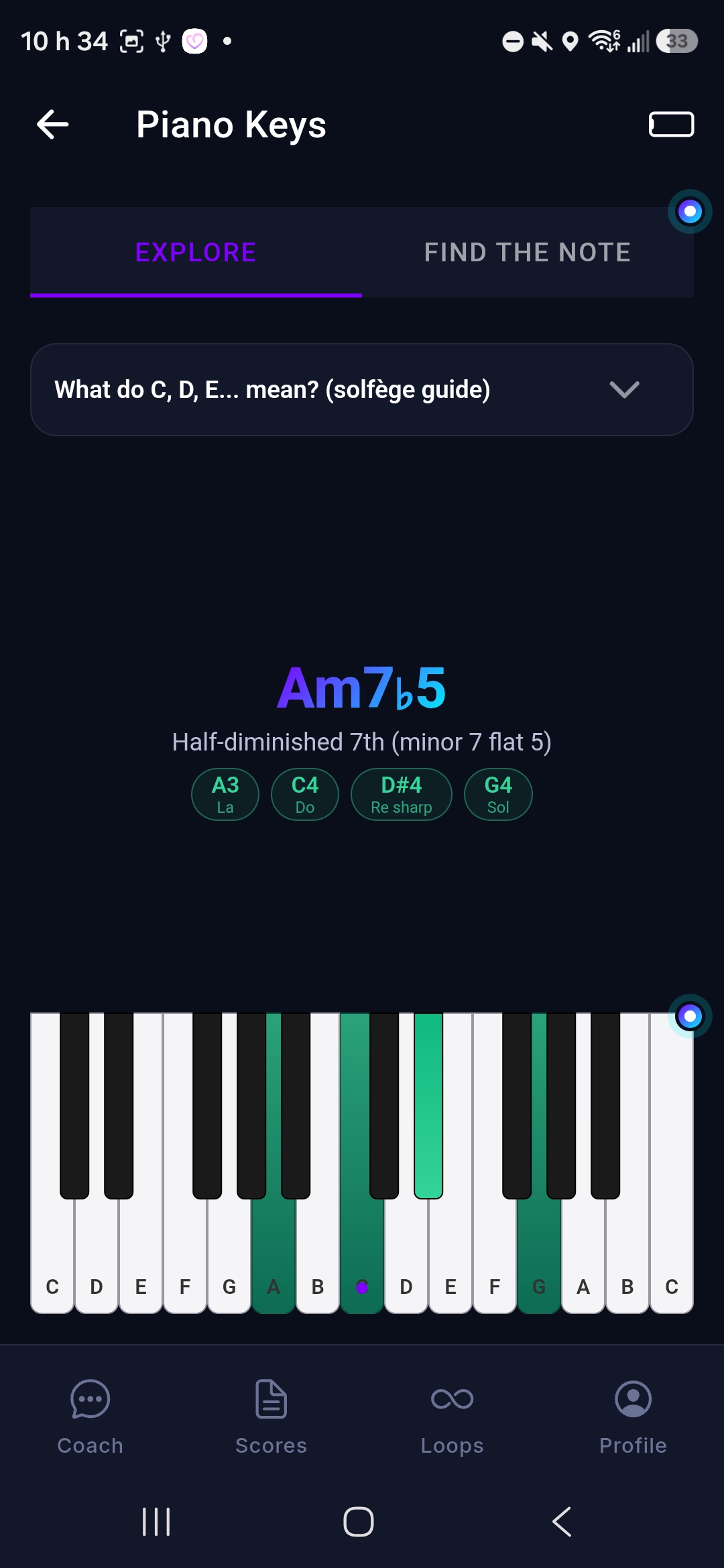
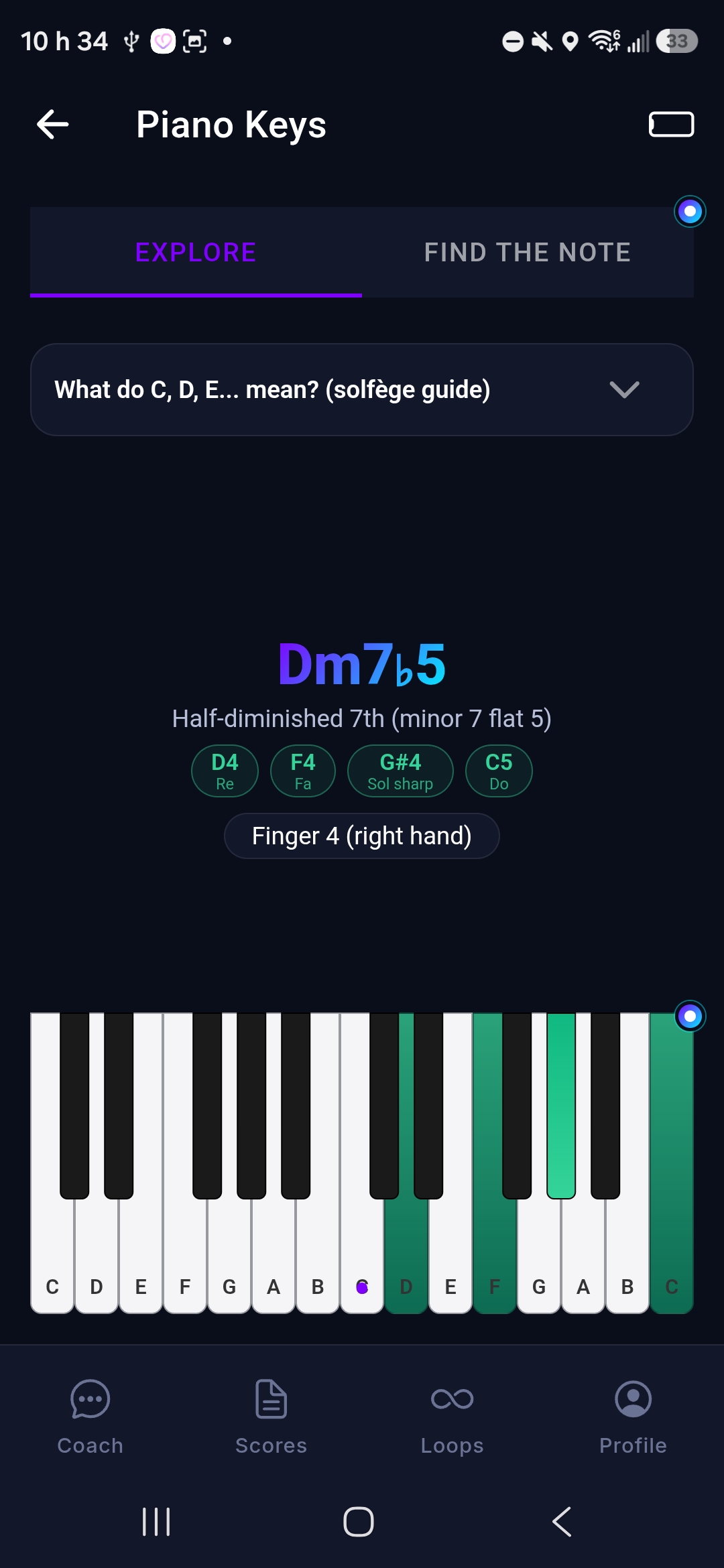
Play any chord and see its name instantly: major, minor, 7th, diminished, suspended and more, with the notes below.
A USB cable on Android and iPhone (with an adapter if needed), or a Bluetooth MIDI piano on iPhone. Switch it on or off in your profile.
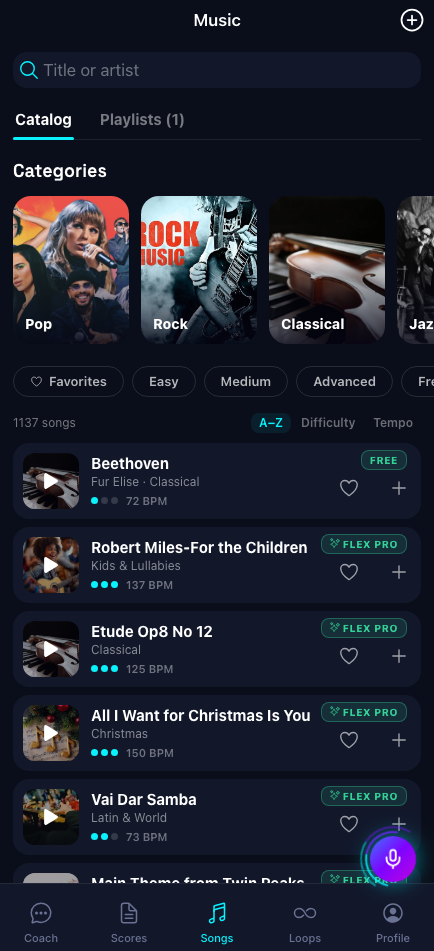
More than 1,100 songs to play along with: classical, pop, rock, jazz, Christmas and more, sorted by difficulty.
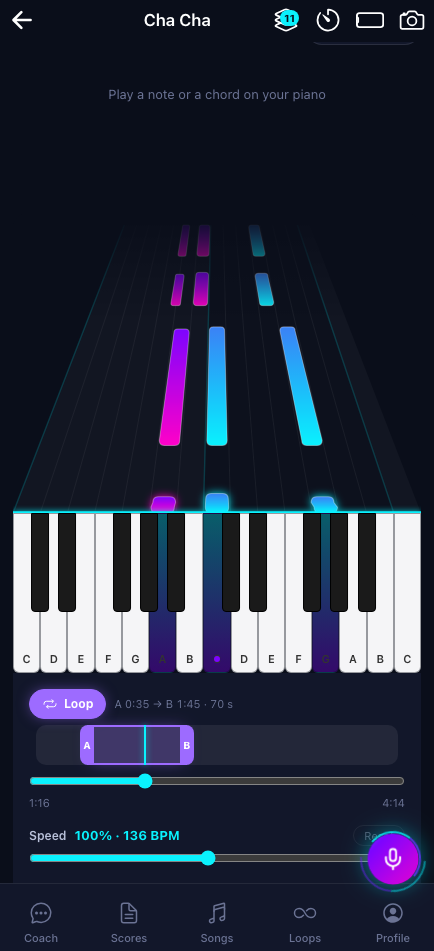
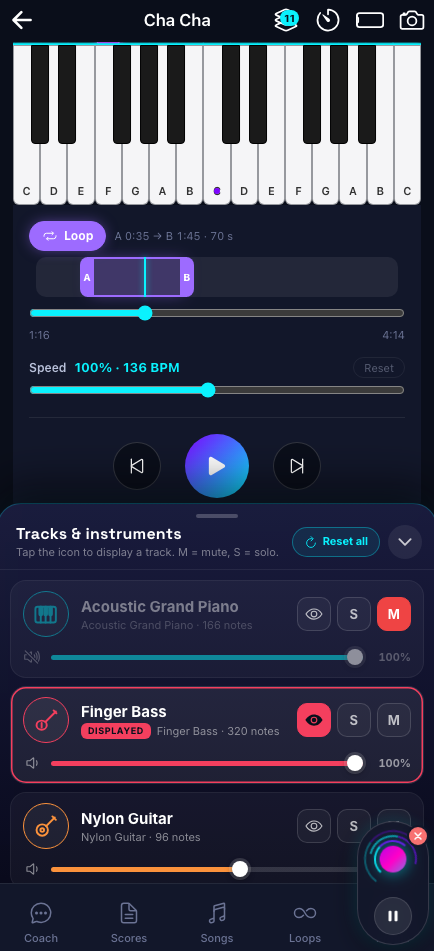
Watch the notes fall onto the keys in 3D, loop from A to B, change the speed and show or mute each instrument.
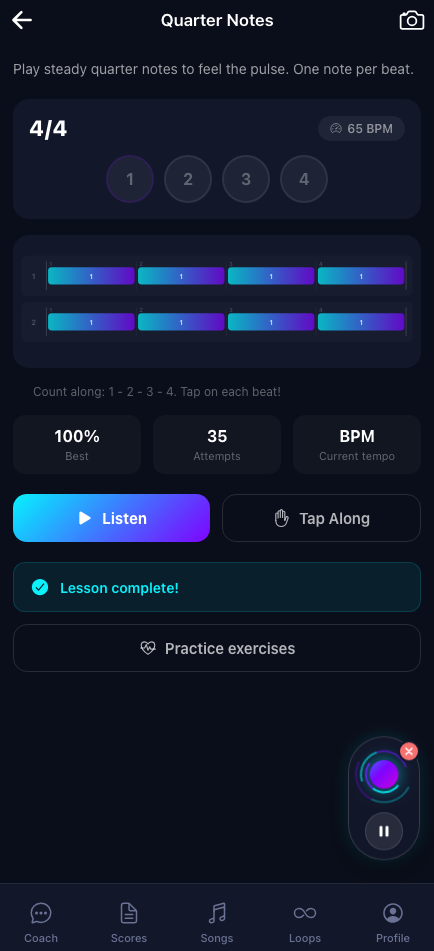
Learn note values, beats and time signatures, tap along with the pulse and read rhythms in a score.
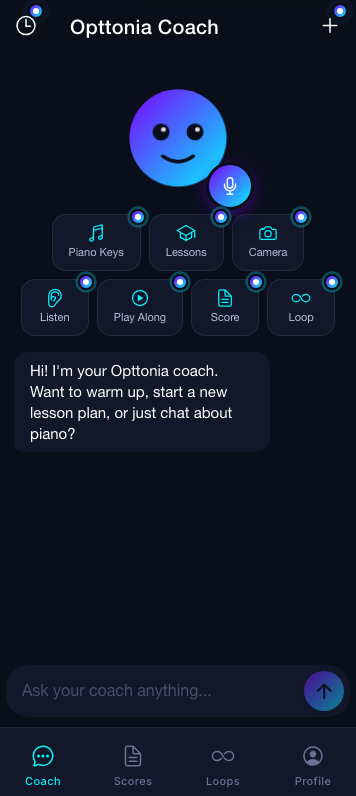
Open the app and your coach greets you. Chat by text or tap the mic. Quick actions jump straight to Piano Keys, Lessons, Camera, Listen, Play Along, Score and Loops.
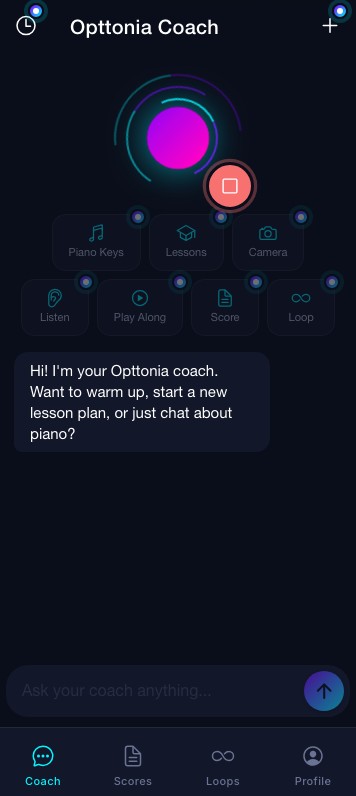
Switch to live voice. The neon rings pulse as your coach listens and answers, so you can keep your hands on the keys.
Point the camera at the keyboard. Opttonia tracks every joint and warns you about a low wrist or flat fingers before bad habits settle in.
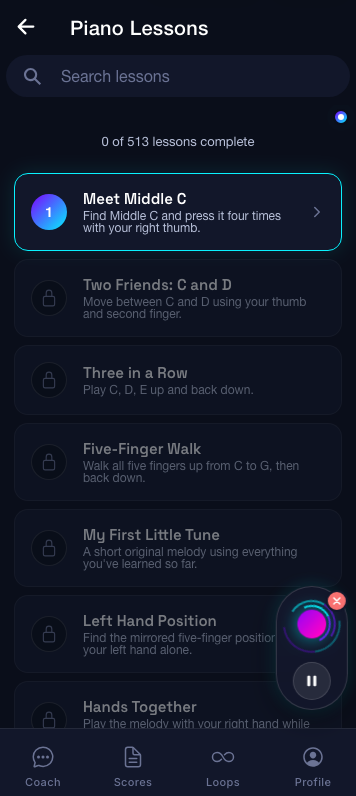
Lessons unlock one after another, from Meet Middle C to playing with both hands, with clear goals for each step.
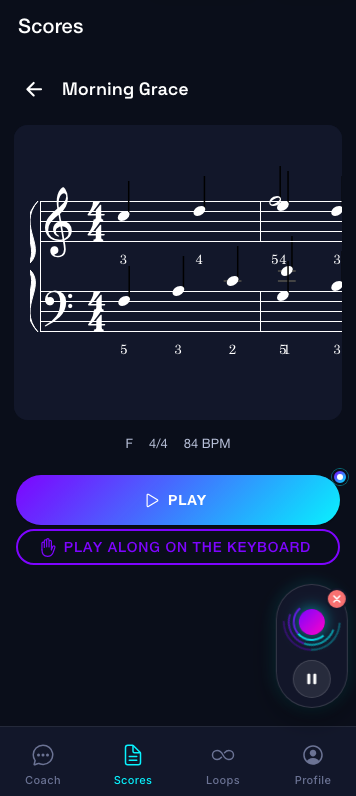
Open a score, press play and watch the keys light up. Slow it down, loop a bar, then play it yourself.
Press the mic and have a real conversation. Ask why a chord sounds sad, request a warm-up, or say “open my scores” and the app takes you there.
Opttonia follows 21 points on each hand and flags a low wrist, flat fingers or tension while you play, with short, kind tips you can act on right away.
Turn on MIDI mode in your profile, connect your digital piano to your phone and Opttonia stops listening to the microphone: it reads the exact notes you press. No background noise, no missed notes, and the app tells you the name of every chord you play.
Browse a catalog of more than 1,100 songs, from Für Elise to pop, rock, jazz, Christmas and kids’ songs. Press play, watch the notes fall onto the keys and play along on your piano: Opttonia listens and follows you.
Learn what each note value means and how to count it: whole, half, quarter and eighth notes, rests and time signatures. Listen to the pattern, tap along with the beat, then find it in a real score.
Every feature, starting with your first action. Some of the most costly ones have a daily limit. After the trial you go back to the Free plan, and you can pick a plan to keep everything.
Everything you need to start playing
For students who practice regularly
For serious, highly motivated players
For daily players who want the full experience
You get a 15-day free trial with every feature (the most costly ones have a daily limit). After the trial you move to the Free plan: 20 AI chat messages per month, beginner lessons 1-7, the keyboard, the note quiz and camera hand analysis. Paid plans (Essential, Premium, Flex Pro) unlock more.
No. You can start with the on-screen keyboard. For the best experience, use an acoustic piano or a digital keyboard: Opttonia listens through your microphone and watches through your camera.
Hand tracking runs on your device. We do not record or upload your camera video. See our Privacy Policy for details.
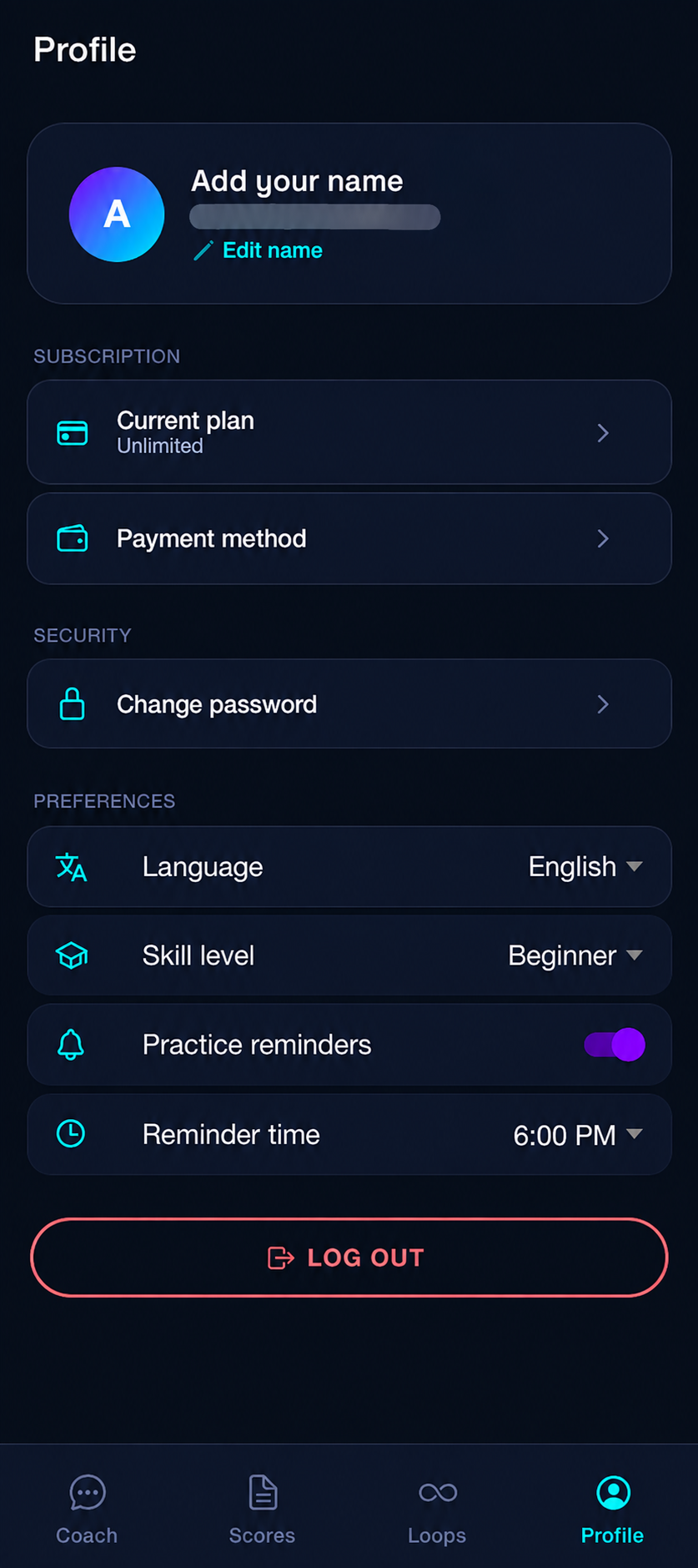
The app and the coach work in English and French. You can switch language in your profile at any time.
Download Opttonia and enjoy 15 days free. No commitment, cancel anytime.