
Talk to your coach
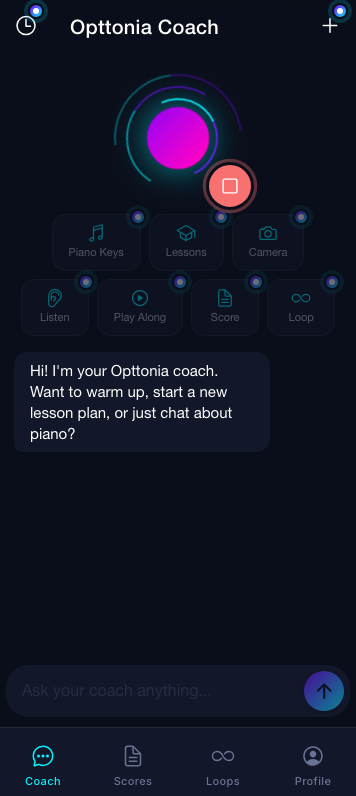
A natural, real-time voice conversation. Ask anything about technique, theory or what to practice next, hands-free while you play.
Everything you need to learn piano, practice with feedback and enjoy playing.
A natural, real-time voice conversation. Ask anything about technique, theory or what to practice next, hands-free while you play.
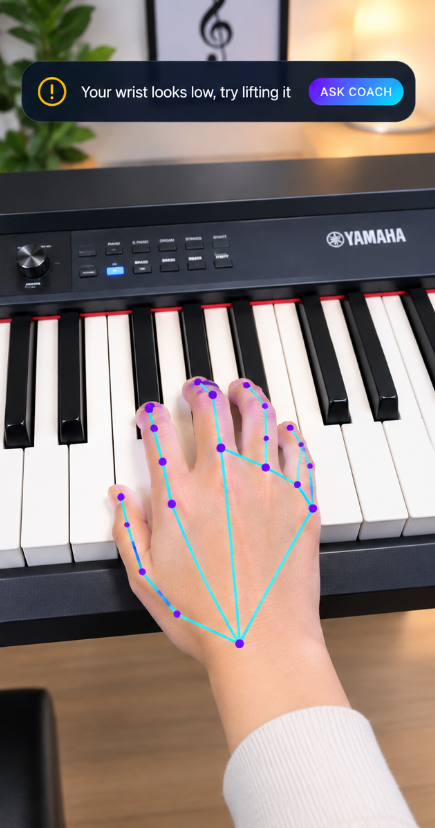
Your camera watches your hand shape and wrist in real time and tells you when to relax or curve your fingers.
Play a real acoustic or digital piano. Opttonia hears the notes and checks them against the lesson.
From Middle C to two hands together, step by step, with a solfège guide (Do, Ré, Mi) built in.
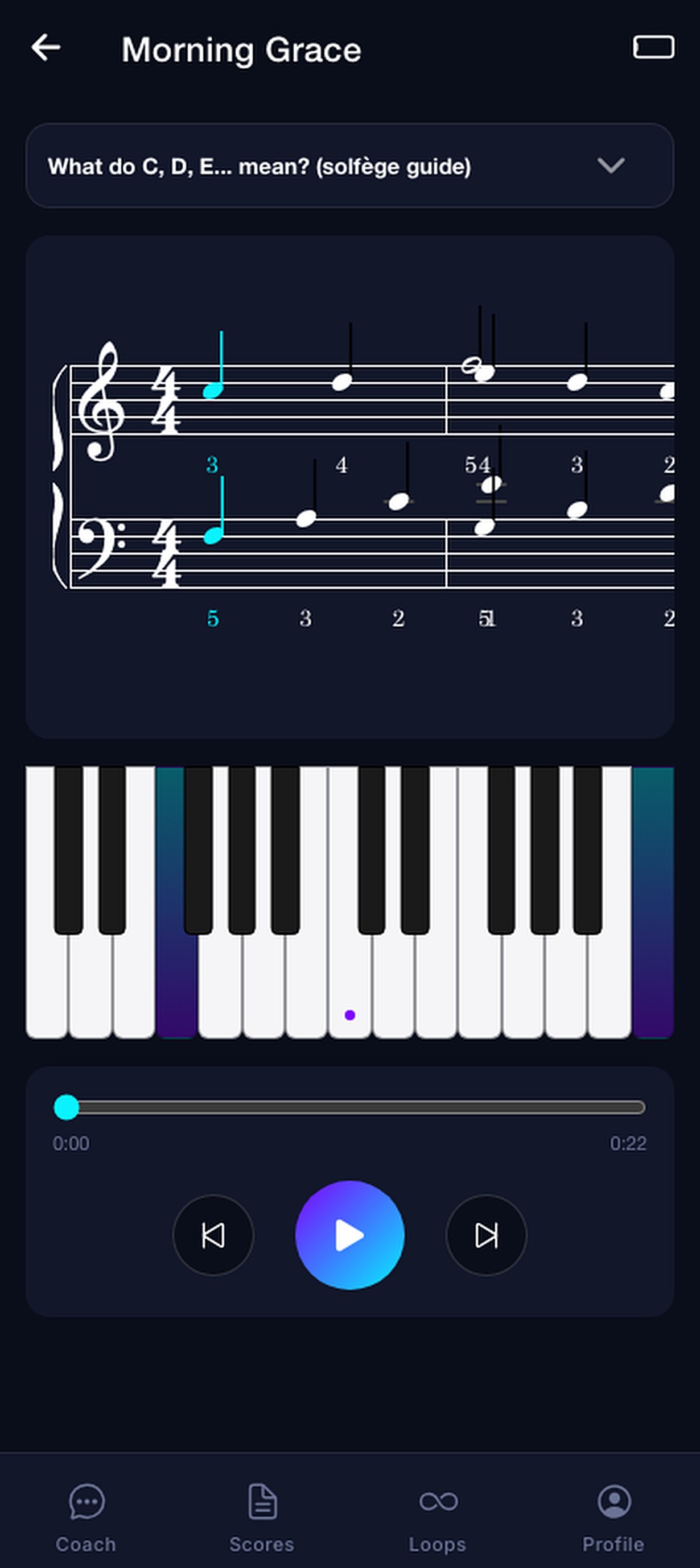
Import MIDI, PDF, Word or text files, watch the notes light up and follow along on the keyboard.
Generate calming music for Sleep, Focus, Workout or Relax in one tap, then play over it.
Pick a daily time and get a gentle nudge so practice becomes a habit.
Tap any key to hear it and see its name, or play the Find the Note game.
Interface, lessons and voice coach in both languages, including solfège names.
Hand tracking runs on your device and you control your data.
Your coach adjusts to your level, from complete beginner to confident player.
Ten focused minutes a day are enough. Pick up exactly where you left off.
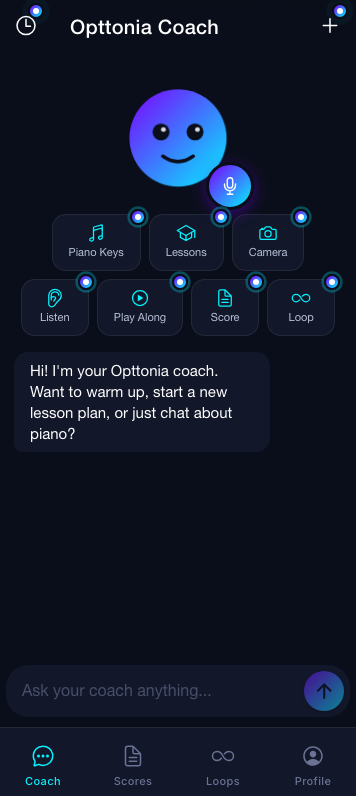
Open the app and your coach greets you. Chat by text or tap the mic. Quick actions jump straight to Piano Keys, Lessons, Camera, Listen, Play Along, Score and Loops.
Switch to live voice. The neon rings pulse as your coach listens and answers, so you can keep your hands on the keys.
Point the camera at the keyboard. Opttonia tracks every joint and warns you about a low wrist or flat fingers before bad habits settle in.
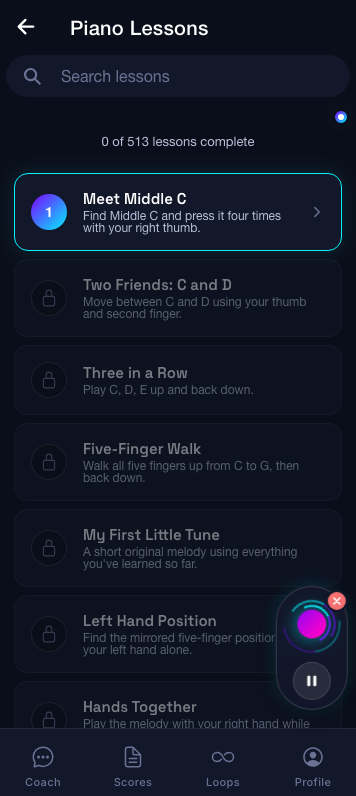
Lessons unlock one after another, from Meet Middle C to playing with both hands, with clear goals for each step.
Open a score, press play and watch the keys light up. Slow it down, loop a bar, then play it yourself.
Download Opttonia and enjoy 15 days free. No commitment, cancel anytime.